How to Connect Scheduling to an HIS Without Replacing It
A guide to connecting medical scheduling with an HIS, clarifying ownership, and improving access without replacing existing systems.

Short answer: COCO’s medical scheduling software is an option for complementing your HIS without replacing it. To determine whether it fits your HIS and ERP, validate their available interfaces, permissions, and supported events. Integration should preserve authoritative data sources and synchronize availability and appointments. Compatibility with your specific systems must be confirmed through technical assessment, not assumed.
Many organizations want to improve scheduling, but they cannot pause operations to replace their HIS. The right question is not whether to choose the existing system or a new tool. It is how to connect each layer with clear ownership.
For Latin American clinics and healthcare providers, a useful integration should improve patient access without duplicating information, creating parallel schedules, or adding reconciliation work for teams.
Does your HIS need a more active access layer?
See how COCO can complement your organization's ecosystem without replacing core systems.
The HIS and the access layer serve different purposes
An HIS may centralize clinical, administrative, and financial information. The access layer helps patients find an option, receive a response, confirm, reschedule, or cancel. When these roles are mixed without a clear design, duplication and manual work appear.
COCO focuses on the interaction and automation around appointments. The organization retains control of business rules, master data, authorizations, and official sources.
What to define before integrating
- Availability source: which system confirms the real schedule and how often it is updated.
- Minimum data: what COCO needs to offer an option and what it must return.
- Events: what happens when an appointment is created, confirmed, canceled, or rescheduled.
- Exceptions: which cases need human review, authorization, or additional validation.
- Security: which permissions, logs, and controls apply to each exchange.
A patient-centered integration flow
The patient starts a request through WhatsApp, web, or a portal. COCO checks the availability defined by the organization, presents options, and records the response. When the person confirms, the agreed outcome is updated. When the person cancels, the automated waitlist can help recover the slot.
This flow can also connect with Clinical OCR for document validation, telemedicine for alternative care options, and COCO Pay when the service requires payment confirmation.
Why standards help but do not solve everything
HL7 FHIR provides resources and a common structure for exchanging health information. A successful integration also needs agreements about data ownership, update timing, errors, auditing, and operational support.
The project should document what happens when availability changes, a response arrives late, or two systems receive different information. Interoperability is technical, but it is also about processes and ownership.
How to start without taking on an oversized project
- Choose a service and site with a visible access problem.
- Map the journey from request to completed appointment.
- Define data, events, owners, and exceptions.
- Test confirmations, cancellations, and rescheduling.
- Measure outcomes before expanding the integration.
COCO helps organizations move in stages and connect automation with real operations. The goal is not adding another isolated system, but helping the existing ecosystem respond better to patients.
Integration should prove operational value
Connecting scheduling to an HIS is not about duplicating screens. It is about agreeing which system is the source for each data point and how it changes when an appointment is created, changed, cancelled, or released. The documented surgical module case shows the value of centralizing information: 134 procedures digitized, 111 automated confirmations, and a 52% reduction in scheduling time during the first 24 days.
That lesson can be applied to an HIS integration without positioning COCO as a replacement for the institution’s system. The architecture should prioritize consistent identifiers, role-based permissions, change traceability, error handling, and a simple experience for patients and administrative teams.
A controlled implementation path
- Select a pilot service with enough volume and known rules.
- Map availability, minimum data, statuses, and exceptions.
- Test appointment creation, changes, cancellations, and recovery.
- Compare time, errors, managed appointments, and manual workload before and after.
Once the flow is validated, it can expand to other sites and services. COCO provides the interaction, automation, and monitoring layer; the HIS keeps its role as the institutional source for clinical and operational information.
Does an organization need to replace its HIS to improve scheduling?
What should be integrated first?
Does HL7 FHIR guarantee a complete integration?
Frequently asked questions
Which HIS information should the schedule synchronize?
The schedule should exchange authoritative availability, patient and appointment identifiers, the minimum booking data, and appointment statuses. Depending on the workflow, agree on providers, services, locations, and required authorizations as well. Specify which system owns each data element, which fields can change, and how confirmations, rescheduling, and cancellations are returned, without copying unnecessary clinical information.
How can parallel schedules be avoided during integration?
Define one authoritative availability source and specify which system may create or modify each appointment. Patient access channels should consult that source and return changes through the agreed workflow. Use consistent identifiers, duplicate prevention controls, and error logs. If an update fails, follow a defined reconciliation procedure rather than maintaining an independent schedule that conceals the discrepancy.
What depends on the existing system's available interfaces?
HIS and ERP interfaces determine which data can be read or updated, in which direction, and how frequently. Verify whether they support appointment creation, changes, and cancellations, what permissions they require, and how they report errors. Do not assume immediate synchronization or write access to both systems: agree on scope using each interface’s documented and tested capabilities.
How should bookings, changes and cancellations be tested across platforms?
Prepare test cases for creating, rescheduling, confirming, and canceling appointments from every authorized source. Check that both platforms show matching identifiers, times, statuses, and resulting availability. Include duplicate requests, delayed responses, simultaneous changes, and connection failures. Document expected outcomes, audit trails, and recovery procedures before extending the workflow to additional locations or services.
COCO in the press
What independent media have published on this topic.
- Diario ADNIn Colombia, under 50% of hospitals offer digital scheduling and results
- PortafolioSoftware scheduling 140,000+ medical appointments a month wins Ingenio 2025 Award
- Valora AnalitikColombian medical scheduling software wins award
- LatinPymeSoftware scheduling 140,000+ appointments a month wins Ingenio 2025
Related articles
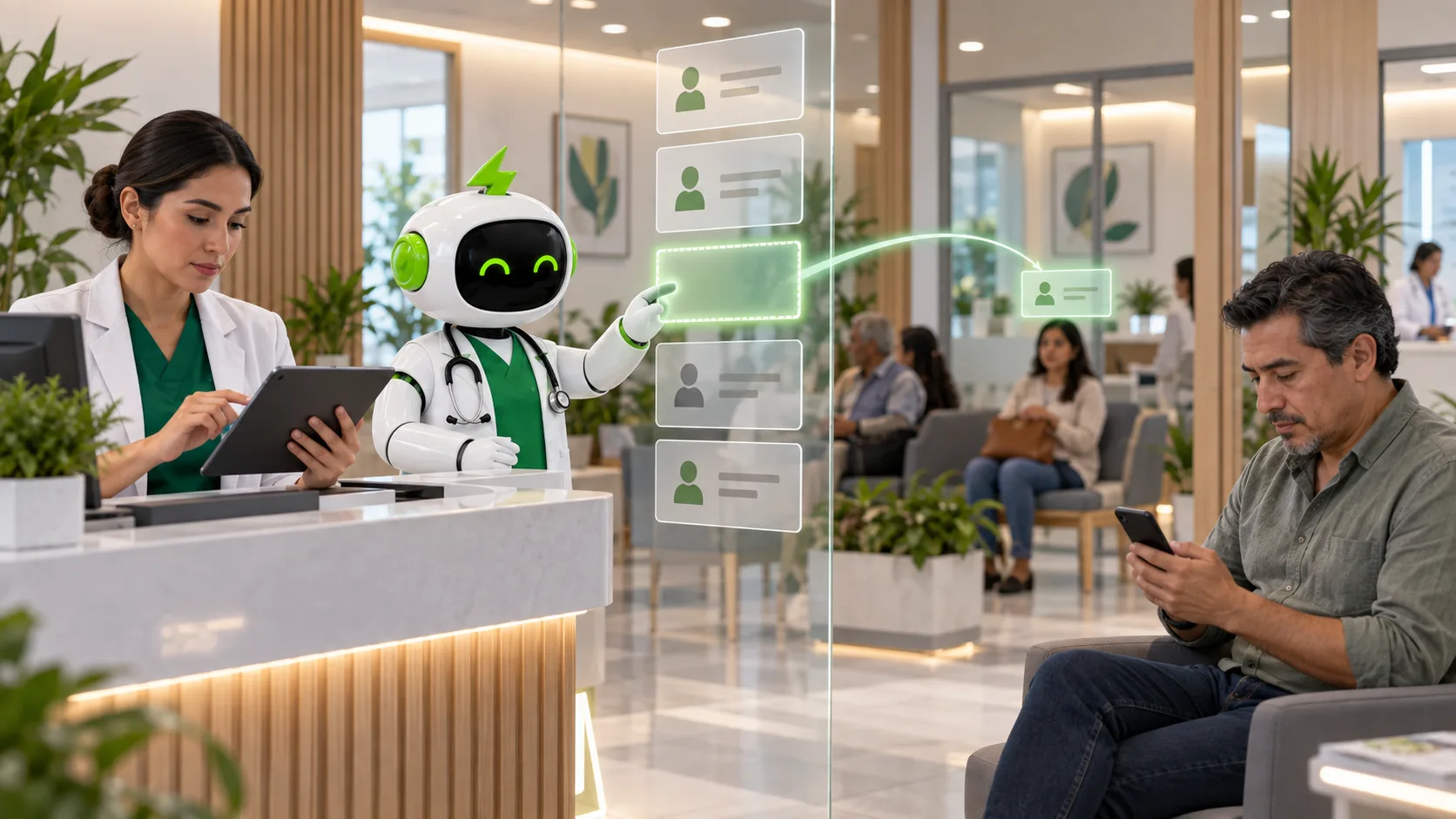
How to Reduce Medical No-Shows with Active Confirmation
Learn how active confirmation helps clinics reduce no-shows and recover appointments before clinical capacity is lost.
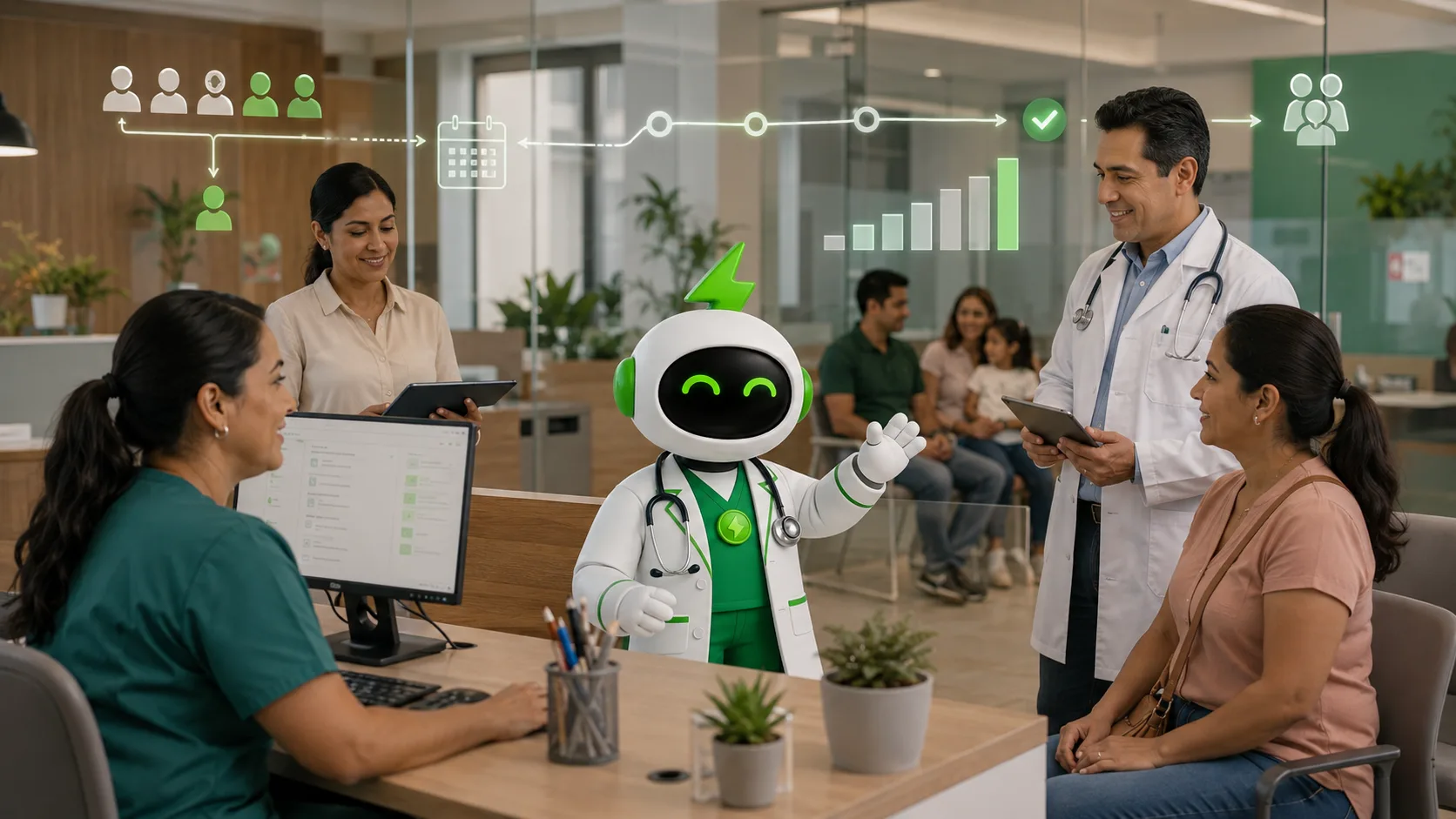
How Clinics Lose Revenue and How COCO Helps Recover It
The revenue leaks behind healthcare organizations and how COCO connects its solutions to recover appointments, capacity, and efficiency in LATAM.

COCO vs Xenco: The Better Way to Modernize Healthcare
A clear comparison to choose the software that best helps a LATAM clinic or healthcare organization grow with COCO.