Same-Day Canceled Slots: How to Refill Them Automatically
What happens in the minutes after a cancellation: detection, patient priority, WhatsApp offer and a refilled slot the same day.

Short answer: Connect an automated waiting list to medical scheduling software to detect released slots, select patients by service, location, and priority, and send time-limited WhatsApp offers. When a patient accepts, create or update the appointment; otherwise, contact the next patient. To prevent duplicate bookings, require a temporary slot hold and an availability check when confirming.
A cancellation is not only an appointment disappearing from the calendar. It can also be an opportunity the institution fails to recover, a patient who waits longer, and a portion of installed capacity that remains empty even though the clinical team, facility, and time are already available.
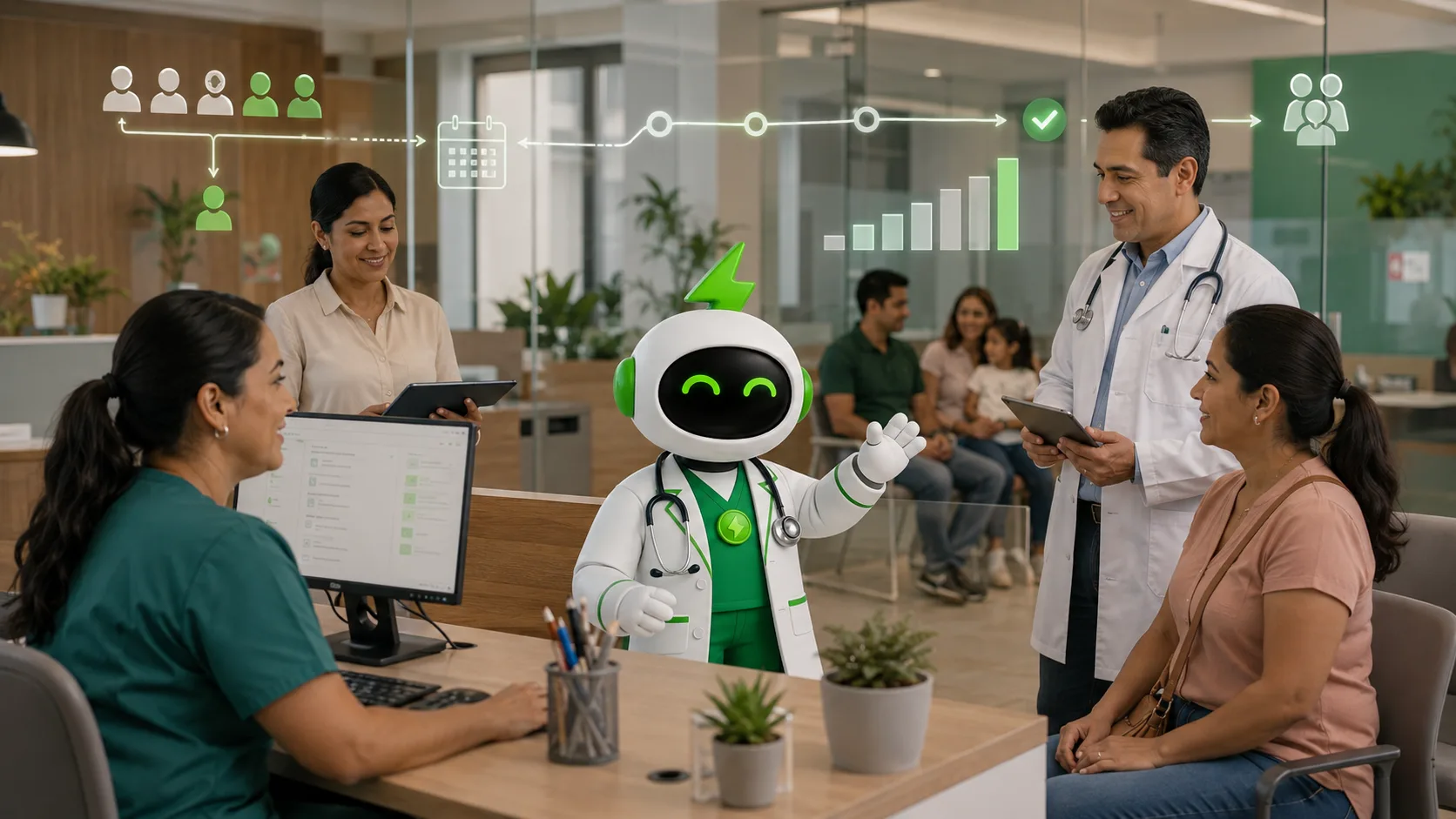
COCO's automated waitlist is designed to turn that moment into an operational flow. When a slot is released, the system can identify registered patients, apply priority rules, send an offer through WhatsApp, and create the appointment when the patient confirms.
Do you want to recover more available slots?
Explore COCO automated waitlists to prioritize patients and turn cancellations into confirmed appointments.
Why a manual waitlist does not scale
With a manual waitlist, staff must check who can take the slot, call or message that person, wait for a response, and repeat the process if the patient does not confirm. Time becomes especially critical when a cancellation occurs close to the appointment time.
- Priority may depend on one person's memory.
- The institution may not know how long it took to notify the patient.
- A patient may receive the offer after the slot has already been lost.
- Leaders lack a reliable recovery metric.
The problem is not having a list. The problem is failing to turn it into an active recovery capability.
How an automated waitlist works
- The patient registers through WhatsApp or a web form.
- The institution configures services, facilities, blocking times, and priority rules.
- The system detects a cancellation or available slot.
- The prioritized patient receives a time-limited offer.
- If the patient confirms, the appointment is created or updated; if not, the slot moves to the next patient.
Connecting the waitlist with COCO Pay and scheduling
Slot recovery works better when a new patient can complete the journey without returning to the call center. Our medical scheduling software organizes the booking, while COCO Pay can add prepaid payment when the service requires it. The institution can then recover not only a slot, but a confirmed appointment.
The importance of reducing waiting is documented in the OECD analysis of waiting times for health services, which analyzes how long waits affect experience and timely care. In parallel, the World Health Organization explains the role of digital health presents digital health as a way to strengthen systems, access, and efficiency.
Metrics that show whether the waitlist creates value
- Recovery rate for canceled slots.
- Time from cancellation to first notification.
- Response and confirmation rate.
- Share of offers passed to the next patient.
- Reduction in manual access-team work.
- Recovered visits or revenue by service and facility.
You can also explore our medical scheduling software, our queue management solution, and our patient engagement campaigns.
An automated waitlist does not replace clinical judgment or prioritization policies. It applies the institution's rules with speed, traceability, and follow-up capacity.
What is an automated waitlist?
Can the institution define priorities?
How is a canceled slot recovered?
Frequently asked questions
Which event should trigger an available-slot offer?
The trigger should be a cancellation recorded in the schedule or another change that makes a slot genuinely available. Before sending an offer, verify that the service, location, and appointment time remain available for booking. A pending cancellation request should not trigger outreach until the schedule confirms that the slot has been released.
How long should patients have to accept an offer?
There is no universal acceptance window. The institution should set the deadline according to how soon the appointment starts and how much time patients need to prepare and travel. The WhatsApp message should state the deadline clearly. Review response and confirmation rates to adjust the window without compromising necessary preparation.
How can two patients be prevented from booking the same slot?
When evaluating a solution, require a temporary slot hold and an atomic confirmation process: checking availability and reserving the slot must happen as one operation. The previous offer should expire before the next patient is contacted. A late acceptance must trigger another availability check rather than automatically creating an additional appointment.
What should happen if nobody accepts the first outreach round?
When an offer expires without confirmation, the workflow should move to the next eligible patient while preserving the institution's priority rules. If no candidates remain, notify the access team to review alternatives. Record unanswered offers and the time remaining before the appointment to understand where opportunities to recover slots are being lost.
How can waiting-list demand be organized around my clinic's capacity?
Group pending requests by service, facility, clinical priority, waiting time, and availability each patient can accept. Validate active demand and match it against available slots. Connect this process with COCO medical scheduling software so accepted offers become appointments. If waiting times keep increasing despite recovering cancellations and using existing capacity, assess whether the affected service needs additional capacity.
COCO in the press
What independent media have published on this topic.
Related articles

How to Connect Scheduling to an HIS Without Replacing It
A guide to connecting medical scheduling with an HIS, clarifying ownership, and improving access without replacing existing systems.

How to Reduce Medical No-Shows with Active Confirmation
Learn how active confirmation helps clinics reduce no-shows and recover appointments before clinical capacity is lost.
How Clinics Lose Revenue and How COCO Helps Recover It
The revenue leaks behind healthcare organizations and how COCO connects its solutions to recover appointments, capacity, and efficiency in LATAM.